
If you want to know how to create internal links for semantic relevance, the answer goes beyond simply connecting pages. It requires building links that signal topical relationships, reinforce your content structure, and help search engines understand what your site is actually about.
This guide walks through how to create internal links that do more than connect pages. It covers how to build links that signal topical relationships, reinforce your content structure, and help search engines understand what your site is actually about.
How to Create Internal Links for Semantic Relevance: Core Principles
Not all internal links carry the same weight. A link placed in a relevant paragraph, using descriptive anchor text, on a page that shares topical overlap with the destination sends a fundamentally different signal than a link dropped in a sidebar or footer with generic anchor text.
Semantic relevance in internal linking refers to how meaningfully connected the linking page, the surrounding content, and the destination page are to each other. It is not just about pointing from one page to another. It is about whether that connection makes sense topically and whether it adds context for both the reader and the search engine.
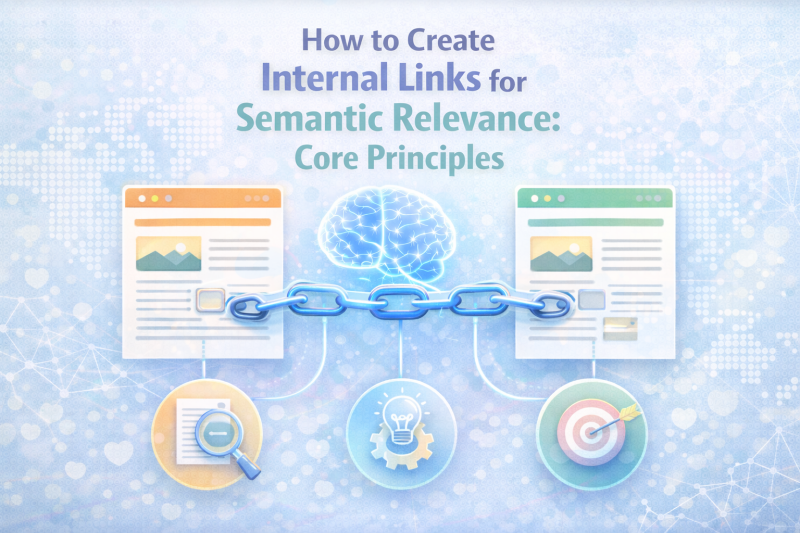
Google does not just follow links. It reads the text around them. The sentences surrounding an internal link, often referred to as the link’s context window, help Google understand what the linked page is about and how it relates to the current page. This is why two pages with strong topical overlap, connected by a contextual link with a descriptive anchor, do more for your SEO than ten links placed without context.
Why Semantic Internal Linking Matters for SEO
The case for semantic internal linking goes beyond basic PageRank distribution. It touches on how modern search engines build their understanding of your site.
It strengthens topical authority. Search engines assess expertise at the topic level, not just the page level. When your internal link structure clearly maps the relationships between pages covering the same subject area, it reinforces that your site has depth and coherence on that topic. A well-linked topic cluster signals authority more effectively than individual pages optimized in isolation.
It helps Google understand entity relationships. Modern search is increasingly entity-based. Google connects concepts, not just keywords. Internal links with semantically relevant anchor text help search engines map how the topics and entities on your site relate to each other, which influences how your content is understood and surfaced.
It improves performance in AI-driven search. AI Overview and other generative search features draw from content that is well-structured and clearly organized by topic. A site with strong semantic internal linking is easier for these systems to interpret because the relationships between pages are explicit, not implicit.
It creates a compounding effect over time. Every new piece of content you publish either strengthens or weakens your existing topic clusters. When internal links are built with semantic relevance, new content adds authority to existing pages and the overall cluster grows stronger with each addition.
>>> EXPLORE FURTHER: Buy Quality Backlinks, Buy Guest Posts & Backlink Services | SEONetwork
Step 1: Map Your Content Before You Link
Semantic internal linking does not work without a clear picture of how your content is organized. Before you start adding or adjusting links, you need to understand the structure you are working with.
Identify your topic clusters. A topic cluster groups a cornerstone page covering a broad subject with supporting articles that go deeper on specific subtopics. The cornerstone page targets a high-volume head term. Supporting pages target more specific queries within the same topic area. Internal links connect them in both directions.
Define the role of each page. Before linking, be clear about whether a page is a cluster hub or a supporting article. Hub pages should receive links from all supporting pages in the cluster. Supporting pages should link to the hub and, where relevant, to each other when there is genuine topical overlap.
Use a simple mapping method. You do not need a complex tool for this. A spreadsheet listing your key pages, their target topics, and their position in the cluster structure is enough to start. What matters is having a clear reference so your linking decisions are intentional, not arbitrary.
Skipping this step is one of the main reasons internal link audits reveal chaotic, inconsistent structures. Links added without a map tend to follow convenience rather than topical logic.
Step 2: Choose Anchor Text for Semantic Relevance
Anchor text is one of the clearest signals you can send about what a linked page covers. Choosing it well is not complicated, but it requires consistency and intention.
Use descriptive, topic-specific anchor text. The anchor should reflect the subject of the destination page. If you are linking to a page about anchor text strategy, the anchor text should say something like “anchor text strategy” or “how to choose anchor text,” not “learn more” or “this article.”
Avoid over-relying on exact match anchors. Exact match anchor text, where the anchor is identical to the target keyword, can look unnatural when used repeatedly. Mix in partial match variations and natural phrasing that still signals the topic clearly. The goal is to sound like a writer giving context, not an SEO inserting a keyword.
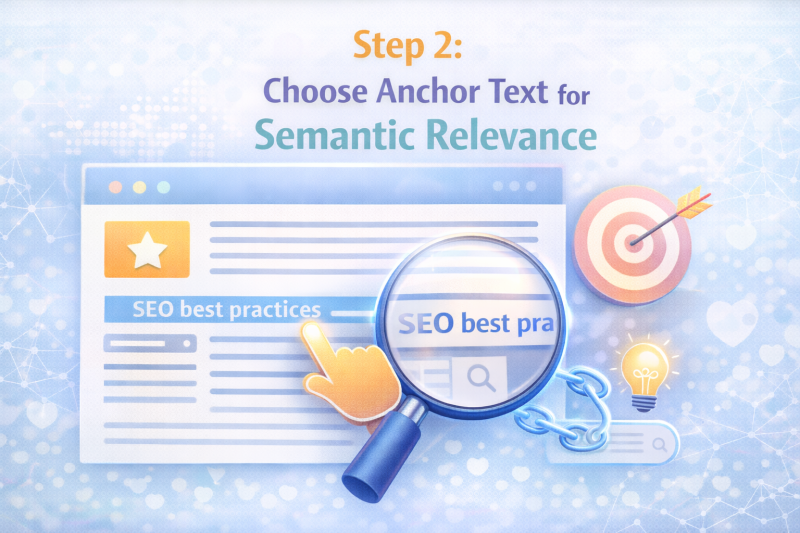
Be consistent across the cluster. When multiple pages link to the same destination, the anchor text does not have to be identical, but it should be semantically consistent. Variations like “internal linking strategy,” “how to build internal links,” and “internal link best practices” all signal the same topic. Mixing in unrelated anchors creates noise.
Avoid using the same anchor text for different destination pages. This is a common mistake that creates ambiguity. If two different pages on your site both receive links with the anchor “SEO strategy,” search engines have a harder time distinguishing which page is the primary resource for that topic.
Step 3: Identify the Right Pages to Link Together
Deciding which pages should be linked is not just a matter of finding mentions of related keywords. It requires looking at topic overlap at the content level.
Look for shared concepts, not just shared keywords. Two pages can cover related topics without sharing exact keyword matches. A page about content planning and a page about keyword research overlap significantly in subject matter, even if they target different queries. That overlap makes them strong candidates for a contextual internal link.
Read the content, not just the metadata. The most reliable way to identify linking opportunities is to read both pages and ask whether a reader finishing one would genuinely benefit from reading the other. If the answer is yes and the transition makes sense contextually, the link belongs there.
Look for gaps in your cluster. Pages that are topically central but receiving few internal links are a signal that your cluster structure has gaps. These pages are often strong candidates for receiving more contextual links from supporting articles that cover adjacent subtopics.
Prioritize depth of relevance over volume of links. Ten links from loosely related pages carry less semantic weight than three links from pages with strong topical overlap and well-chosen anchor text. Focus on quality of connection before quantity.
Step 4: Place Internal Links Strategically
Placement affects how much semantic value a link carries. Not all positions on a page are equal.
Contextual links in the body content carry the most weight. A link embedded within a relevant paragraph, surrounded by related text, sends a stronger topical signal than the same link placed in a navigation menu or footer. Google gives more weight to links that appear in the main content area and have meaningful context around them.
Place links where they add value for the reader. The best internal links appear at the point in an article where the reader would naturally want to go deeper on a specific subtopic. This serves both the user experience and the semantic signal. If you find yourself inserting a link where it does not naturally fit the flow of the content, that is a sign the link may not be semantically justified.
Avoid clustering too many links in one section. When a single paragraph contains multiple internal links, the signal from each individual link is diluted. Space links across the article in places where they are contextually relevant, rather than grouping them for convenience.
Do not rely on automated link placement without review. Tools that automatically insert internal links based on keyword matching can create semantically irrelevant connections. Always review automated suggestions before publishing to ensure the placement and anchor text make sense in context.
Step 5: Build Outbound Links to Support Context
Outbound links to authoritative external sources are a natural part of well-researched content. They also help search engines contextualize the topic of your page. When writing about internal linking tools, for example, linking to resources like Google’s documentation on links or tool documentation from Screaming Frog or Ahrefs adds credibility and topical context to your content.
Use outbound links selectively. One or two well-placed links to genuinely useful external resources per article is enough. The goal is to add value for the reader, not to inflate the number of external links.
Step 6: Audit and Improve Existing Internal Links
If your site has been publishing content for some time, your internal link structure has likely grown without a clear semantic framework. An audit helps you identify what needs to be fixed.
Find pages with insufficient internal links. Start with your most important pages, cornerstone pages and high-priority cluster hubs, and check how many contextual internal links they are receiving from other content on the site. Pages with strong topical value but few inbound internal links are losing authority they should be accumulating.
Identify anchor text that does not match the destination. Look for cases where internal links are using generic or misleading anchor text. These represent missed opportunities to send a clear semantic signal. Update the anchor text to be descriptive and topic-specific.
Check for orphaned pages. Pages with no internal links pointing to them are invisible to search engines from a link equity perspective. Even if they are indexed, they are not benefiting from your site’s internal authority flow. Add contextual links from relevant pages to bring them into the cluster structure.
Use the right tools. Screaming Frog can crawl your site and map your internal link structure, showing you which pages have the most and fewest internal links. Ahrefs provides internal link data alongside organic performance metrics, making it easier to prioritize which fixes will have the most impact. If you use Yoast SEO on WordPress, the internal linking suggestions feature can surface relevant pages to link to as you write or edit content.
Step 7: Make Internal Linking an Ongoing Workflow
Semantic internal linking is not a one-time setup. Your content library grows over time, and new articles create new linking opportunities for existing pages.
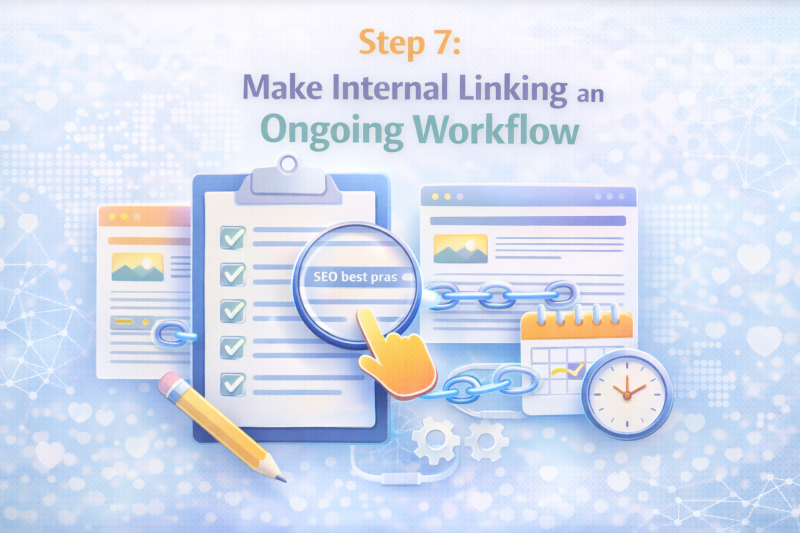
Every time you publish a new article, review which existing pages should link to it and which pages it should link to. This keeps your cluster structure current without requiring frequent large-scale audits. Build this review step into your standard publishing checklist so it becomes a habit rather than an afterthought.
>>> EXPLORE FURTHER: How to Do SEO Optimization: A Step-by-Step Guide
Common Mistakes That Hurt Semantic Relevance
Even with good intentions, internal linking can undermine your SEO if certain patterns become habitual.
Linking pages with no real topical overlap. Adding an internal link just because you can, or because a page needs more links, creates noise in your link structure. If the pages are not genuinely related in topic, the link does not help and may confuse the search engine’s understanding of either page.
Using the same anchor text for multiple destination pages. This creates ambiguity about which page is the primary resource for a given topic. Keep anchor text distinct across destination pages, even when the topics are related.
Over-linking within a single article. More links do not mean more SEO value. An article with 20 internal links spread across unrelated destinations sends a weaker signal than one with five well-placed, contextually relevant links. Be selective.
Ignoring the context window around links. Dropping a link into a paragraph that is not topically related to the destination page weakens the semantic signal even if the anchor text is correct. The surrounding sentences matter. If the paragraph does not support the link contextually, either rewrite the paragraph or find a better placement.
Final Thoughts
Knowing how to create internal links for semantic relevance is one thing. Applying it consistently across your content is another. The sites that benefit most from semantic internal linking are those that treat it as a system: intentional linking decisions, descriptive anchor text, a clear topic cluster structure, and a regular review process built into the content workflow.
That clarity compounds over time. Each well-placed link reinforces your topic clusters, strengthens your cornerstone pages, and makes your site easier for both readers and search engines to navigate.
If you are building out topic clusters and want to support your cornerstone pages with quality backlinks alongside your internal linking work, SEONetwork provides a structured way to find and evaluate placement options that align with your content topics.
Frequently Asked Questions
What is the difference between semantic internal linking and regular internal linking?
Regular internal linking focuses on connecting pages and passing link equity across a site. Semantic internal linking goes further by prioritizing topical relevance between the linking page, the anchor text, and the destination page. The goal is not just to link pages but to signal meaningful relationships between topics, which helps search engines build a more accurate understanding of your content.
How many internal links should a page have?
There is no fixed number. The right amount depends on the length and depth of the page and how many contextual linking opportunities exist naturally within the content. A long cornerstone page covering a broad topic will have more legitimate linking opportunities than a short supporting article. Focus on relevance and context rather than hitting a specific number.
Does anchor text still matter for internal links?
Yes. Anchor text remains one of the clearest signals about what a linked page covers. Descriptive, topic-specific anchor text helps search engines understand the subject of the destination page and reinforces the semantic connection between the two pages. Generic anchors like “click here” or “read more” miss this opportunity entirely.
How do I find pages on my site that need more internal links?
Tools like Screaming Frog and Ahrefs can identify pages with few or no inbound internal links. You can also cross-reference your most important pages against your internal link data to find cornerstone or cluster hub pages that are not receiving enough contextual links from supporting content.
Can internal linking replace backlinks for building authority?
No. Internal links distribute authority that already exists on your site. They cannot generate new authority from external sources the way backlinks do. Internal linking and backlink building serve different functions and work best when used together. A well-structured internal link system ensures that the authority your backlinks bring in is distributed effectively across your most important pages.
How often should I audit my internal link structure?
For most sites, a thorough audit once or twice a year is sufficient. However, internal linking should also be part of your ongoing publishing workflow. Every time you publish a new article, review which existing pages should link to it and which pages it should link to. This keeps your cluster structure current without requiring frequent large-scale audits.

I’m Jackson Avery, and I have 5 years of experience in content SEO. At SEONetwork, I share practical SEO knowledge, insights, and content strategies to help readers better understand search intent, content optimization, and sustainable organic growth.